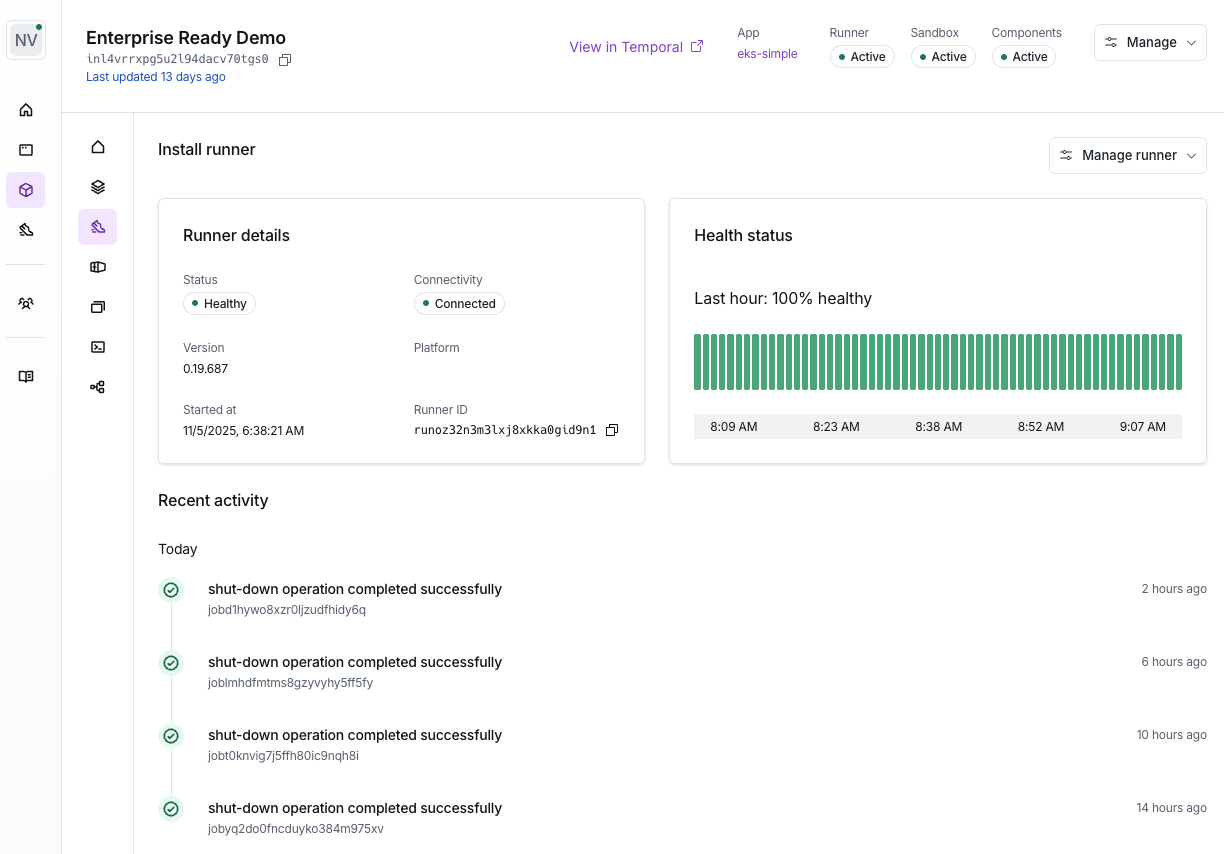
How do you configure a Runner?
The Runner is hosted in a VM created in the customer’s cloud account by the Stack. For each install, Nuon generates the Stack in both Terraform and the platform’s native IaC language (e.g., AWS CloudFormation, Azure Resource Manager / Bicep), so the customer can apply whichever fits their tooling. When you create an install in the dashboard, Nuon outputs install instructions you share with your customer to create the Runner using your cloud credentials. The templates are generated by Nuon based on your app template’s configuration, and include the runner configuration.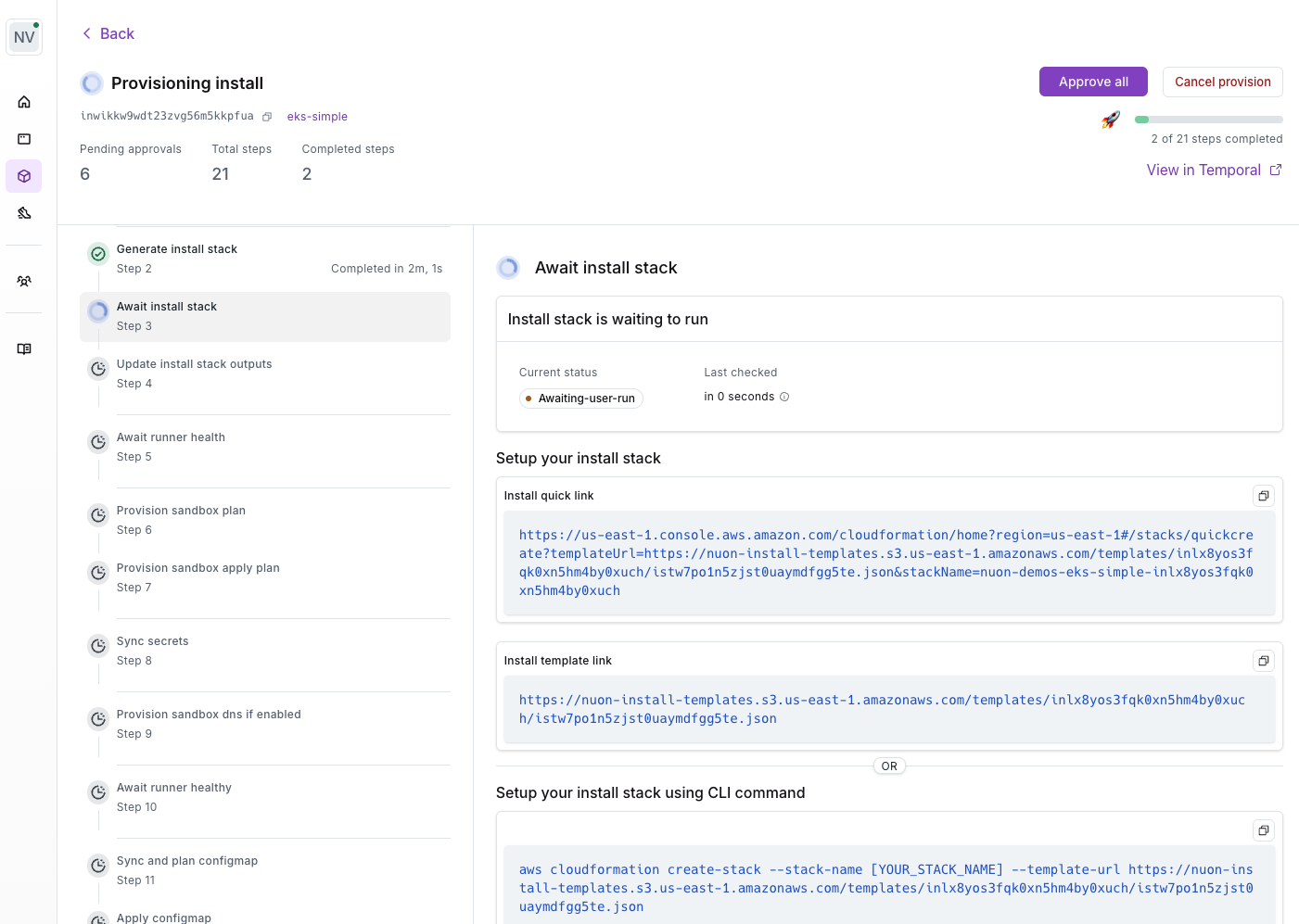
Runner Responsibilities
The runner performs the following jobs, inside of an install:- provisioning or deprovisioning components
- syncing container images into the local artifact store
- monitoring running components by way of actions e.g., health checks
- running actions, which can be used to perform Day 2 operational tasks
- executing Terraform
- forwarding configured telemetry to customer-controlled observability backends
Customer-Owned Telemetry Export
Customers can configure runners on AWS, Azure, and GCP to send runner audit events directly to their own OTLP-compatible backend. The destination and credentials are stored in the customer’s cloud secret manager, and are not stored in the Nuon Control Plane. The install instructions identify thetelemetry-export-config secret and configure the runner’s access to it. The
customer updates this secret after provisioning the Stack. See Export Runner Audit Logs
for the configuration reference and cloud-specific steps.
Runner Permissions
Each runner works by listening for jobs from the Nuon managed data plane server it belongs too. This server dispatches jobs, which the runner will pick up and then run tasks to perform. The runner will use different IAM roles for different component jobs, to minimize the permissions available on each job. These IAM roles are defined in each sandbox, and outputs are used to allow the runner to use them. Since the runner is deployed into the customer install, no long-lived permissions are required after the initial install. This creates a more secure operating environment, as the only thing that can dispatch work to the runner is the customer’s data plane server it belongs to.