Installation
Homebrew
We publish an official tap you can install with Homebrew.source ~/.zshrc or
source ~/.bashrc.
You can also enable autocomplete for you shell. Run nuon completion to see what shells we support.
Install Script
If you are not using Homebrew, you can use our install script to automatically download and install the correct binary for your platform (macOS or Linux). It requirescurl and jq.
nuon and the nuon-lsp language server
into ~/bin (or /usr/local/bin if ~/bin does not exist), and checks that the nuon on your PATH is the version
it installed.
To install a specific release, set NUON_VERSION. Pass --no-input to skip the confirmation prompt, for example in CI:
Manual Binary Download
You can also download binaries directly for macOS or Linux:darwin_amd64darwin_arm64linux_armlinux_arm64linux_386linux_amd64
https://nuon-artifacts.s3.us-west-2.amazonaws.com/cli/$VERSION/nuon_$PLATFORM, with a
gzipped copy at the same URL plus .gz. The latest release number is published at
https://nuon-artifacts.s3.us-west-2.amazonaws.com/cli/latest.txt. To pick the right version, see
Choosing a CLI version.
An example of downloading version 0.19.1260 of the CLI for darwin_arm64:
PATH.
Debug Mode
In the case that something goes wrong, you can set the environment variableNUON_DEBUG to print verbose logs. These
can be helpful to share with us, while debugging any issues.
Choosing a CLI version
The CLI and the control plane are released together and share a version number. Install the CLI version that matches your control plane.Check your versions
nuon version prints the CLI’s version, your control plane’s version, and the minimum CLI version your control plane
requires, if it sets one:
nuon version prints only the CLI’s version.
To look up the control plane’s version without the CLI, for example in a script, query its /version endpoint. This
uses Nuon Cloud unless NUON_API_URL is set:
Update to the latest release
On Nuon Cloud, update with Homebrew:latest.txt.
Install your control plane’s version
On Nuon BYOC or Self-Hosted, install the version your control plane reports. With the install script, you can look up the version and install it in one step:nuonco/tap/nuon@<version>. To install one, or to
keep several versions and switch between them, see Using multiple CLI versions.
For a manual install, download the binary for your control plane’s version as shown in
Manual Binary Download.
In GitHub Actions, the Nuon GitHub Action installs your control
plane’s version by default.
Version warnings
When your CLI is older than your control plane requires, the CLI prints a warning with the version to install. Commands still run, but some may not work as expected. When you see a warning, update the CLI. On Nuon Cloud, update to the latest release. On Nuon BYOC or Self-Hosted, install your control plane’s version. On Nuon Self-Hosted, you set the minimum allowed version usingmin_cli_version setting. Set it to your control plane’s
version, or to latest to follow Nuon’s latest release.
Using the CLI with Nuon BYOC or Self-Hosted
If you use Nuon BYOC or Nuon Self-Hosted, your control plane runs in your own infrastructure, and the CLI needs its API URL. By default, the CLI uses Nuon Cloud (https://api.nuon.co).
nuon auth login asks which deployment you use. Choose Nuon BYOC and enter your control plane’s API URL:

NUON_API_URL, and login asks you to confirm it instead:
~/.nuon, so later commands use the
same control plane. Logging in to another control plane replaces them. If you also use Nuon Cloud or another control
plane, give each one its own config file with NUON_CONFIG_FILE (or --config):
Nuon Preview Features
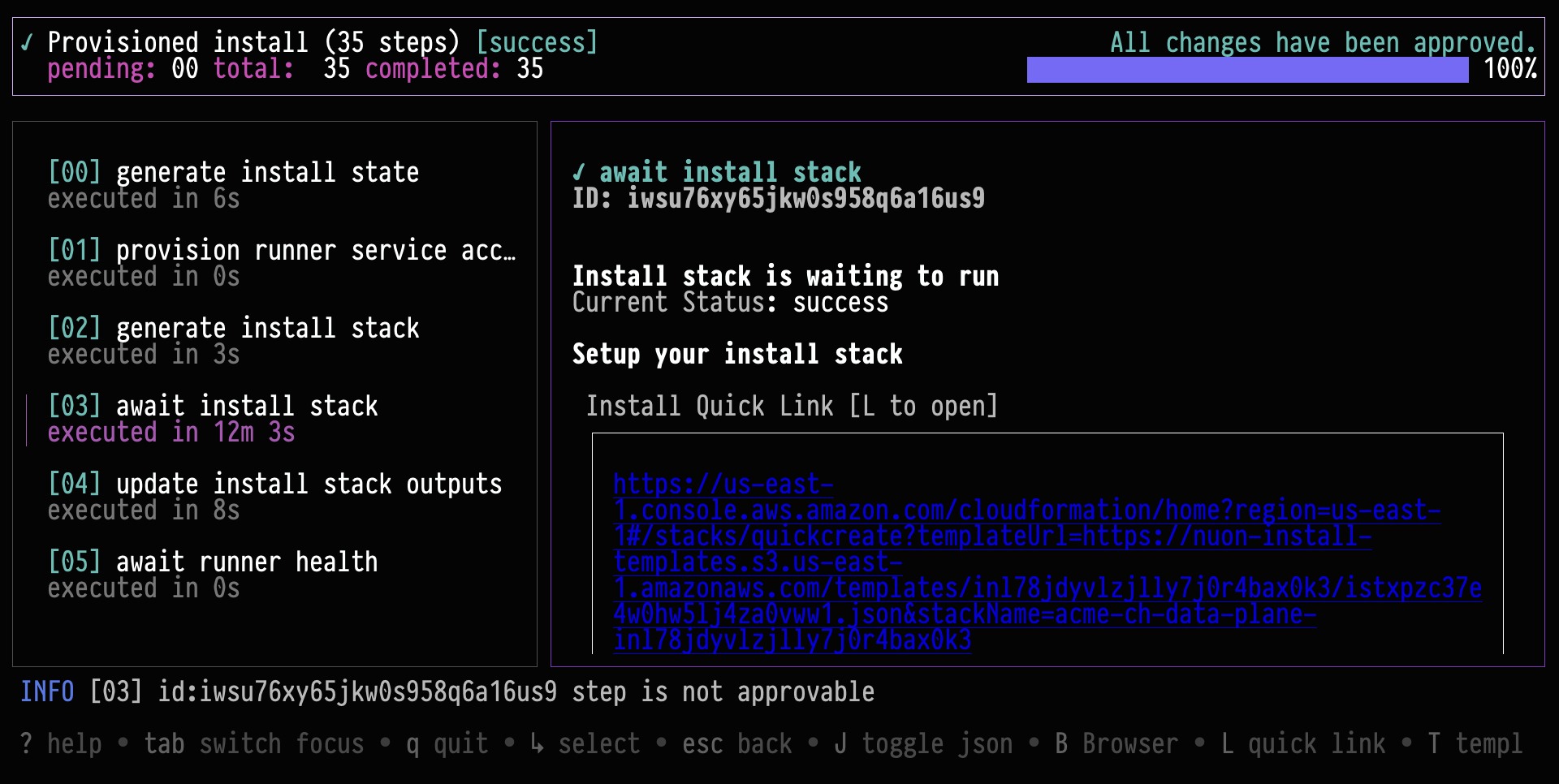
We are working on a number of TUIs for the CLI. These include contextual TUIs for object selection and full-page TUIs for workflows and actions. These features can be enabled by settingNUON_PREVIEW=true.
Nuon CLI Extensions
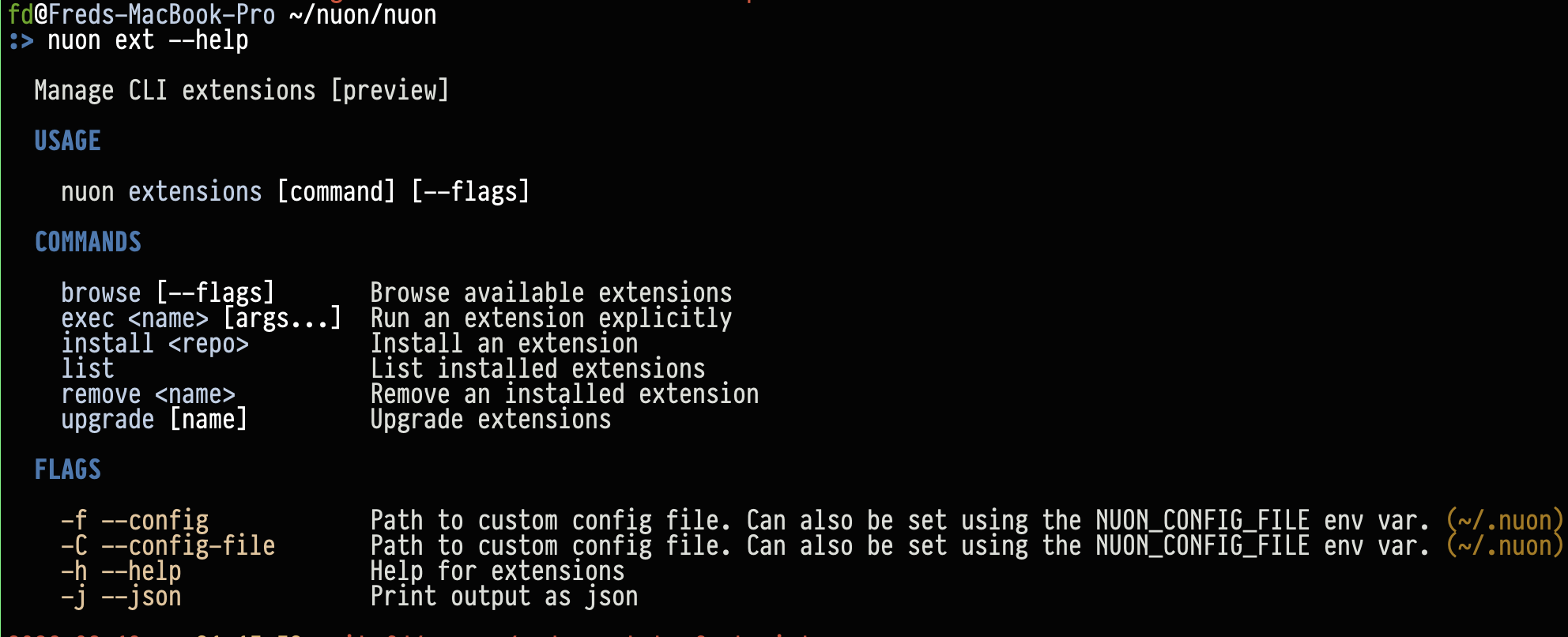
Thenuon cli has support for extensions. You can browse nuon-authored extensions with nuon ext browse and author
your own. At the time of writing, we have published a handful of extensions for public consumption. Try our api
extension with nuon install api.