> ## Documentation Index
> Fetch the complete documentation index at: https://docs.nuon.co/llms.txt
> Use this file to discover all available pages before exploring further.
# 039 - OIDC federation
> Grant access to your Nuon org without storing long-lived tokens.
*August 3, 2026*
## OIDC federation
Instead of saving a long-lived secret, any workload with an OIDC provider can be trusted by Nuon to fetch short-lived access tokens.
This works for CI/CD pipelines, Kubernetes workloads, cloud compute, and any other trusted OIDC issuer.
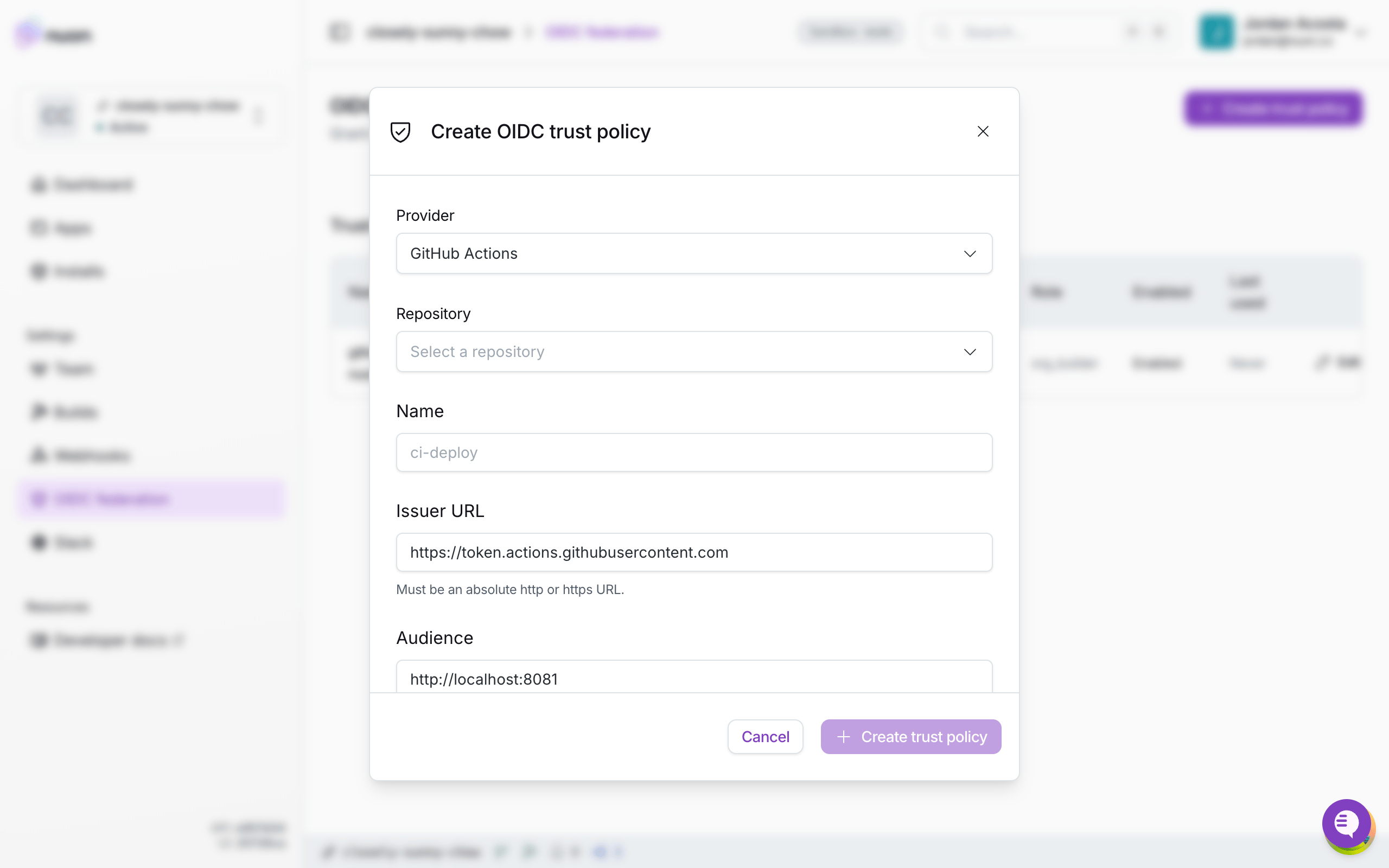
You control which providers to trust with a **trust policy**: which issuer to accept, which token claims to require (such as a repository, branch, service account, or cloud identity), and which role and token lifetime to grant.
Manage trust policies from the **OIDC federation** page in the dashboard or with the CLI.
When creating a trust policy, you can select either **Github Actions** or a **Custom** provider.
Creating the same policy using the CLI:
```sh theme={null}
nuon orgs oidc-trust-policies create \
--name github-app \
--issuer https://token.actions.githubusercontent.com \
--audience https://api.nuon.co \
--claim "sub=repo:acme/app:ref:refs/heads/main" \
--role org_builder
```
See [OIDC federation](/concepts/oidc-federation) for the full model and supported providers.
## Using with GitHub Actions
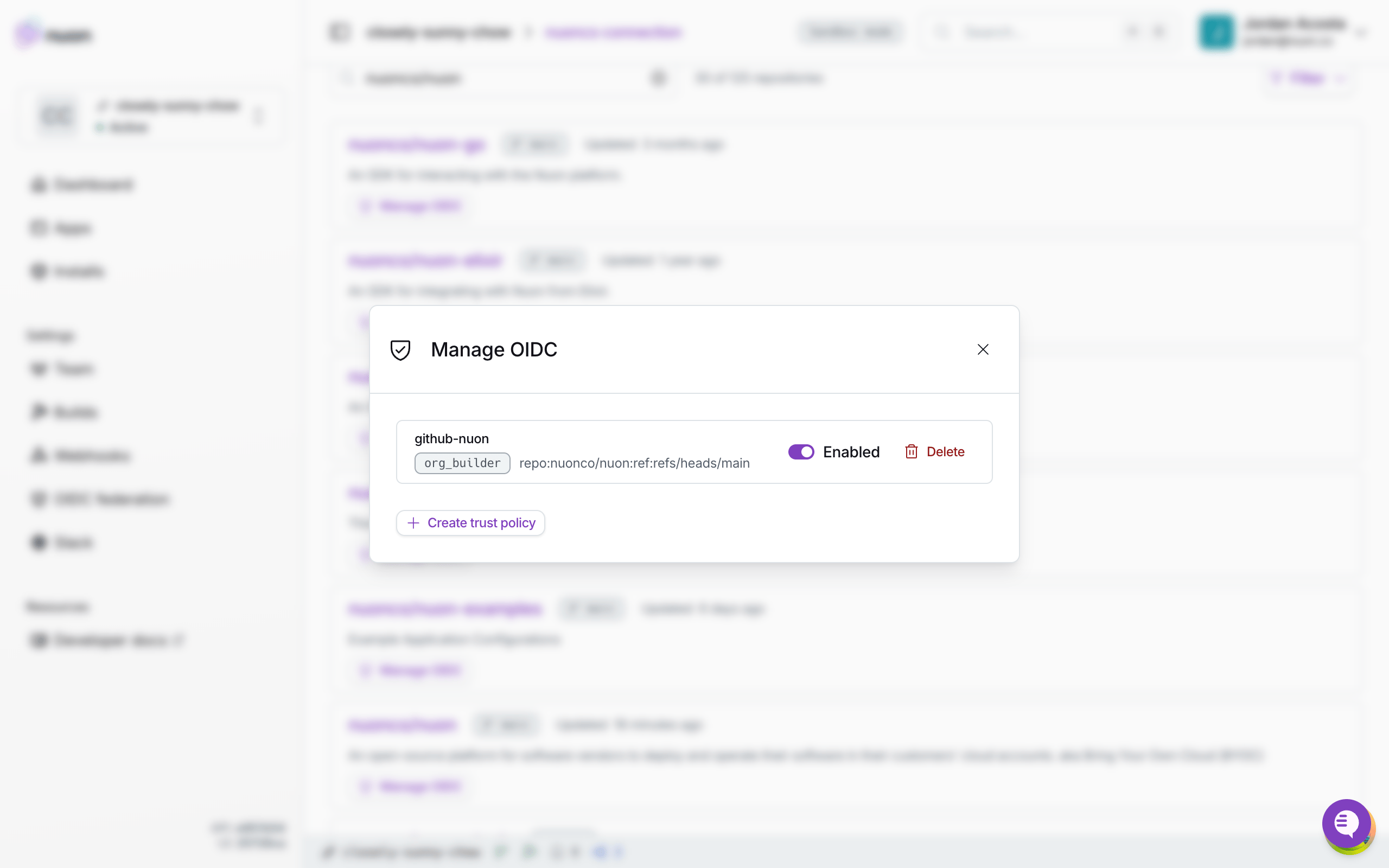
Trust policies can also be managed for each repo in your GitHub VCS connection settings, by clicking on the **Manage OIDC** button.
Set the `id-token: write` permission to enable Github Action's OIDC provider.
The CLI detects if it's running in GitHub Actions, and will automatically use the OIDC provider if not provided a static token.
```yaml theme={null}
on:
push:
branches:
- main
permissions:
contents: read
id-token: write
jobs:
sync:
runs-on: ubuntu-latest
steps:
- uses: actions/checkout@v4
- run: curl -sSL install.nuon.co | bash
- run: nuon apps sync
env:
NUON_ORG_ID: ${{ vars.nuon_org_id }}
```
See the [GitHub Actions guide](/guides/github-actions) for more details, and how to use OIDC with the CLI on other platforms.