> ## Documentation Index
> Fetch the complete documentation index at: https://docs.nuon.co/llms.txt
> Use this file to discover all available pages before exploring further.
# 005 - nuon dev and improvements
> `nuon dev` allows you to iterate on configs with a single command, view install state, view an app dependency graph and more.
*May 16th, 2025*
v0.19.550
## `nuon dev` CLI Command
This feature is currently in alpha. Please reach out to use if you are
interested in using it.
We have added a new CLI command, `nuon dev`, that you can use to create a new
app version and deploy it to a dev install.
```bash theme={null}
~nuon (main)$ nuon dev ~/nuon/byoc/byoc-nuon -y
Checking that you are ready to create a new app version...
INFO checking git branch...
SUCCESS you are on branch ja/005-changlog-updates
INFO verifying app exists...
SUCCESS app ID is appt2zli0c6rx6utsd922i9kbl
INFO parsing app config...
SUCCESS parsed app config successfully
INFO validating config...
SUCCESS app config is valid
INFO checking component branches...
SUCCESS component branches are ok
INFO checking that local changes have been pushed...
SUCCESS all required changes have been pushed
INFO syncing config to api...
```
To use it:
1. Open a nuon app directory.
2. Create a dev branch.
3. Run `nuon installs select` to select the install you want to develop with.
4. Make some changes and push them to your remote.
5. Run `nuon dev` and follow the prompts.
A new app version will be created and deployed to your dev install. This new
version will **only** be deployed to your dev install. Other installs will not
be affected.
Additionally, you can pass the flag `--yes` to auto-approve all prompts. Make
sure you have the correct branch and install set up before you do this.
If you update only the source code of a component, and not it's config, a new
build will not be created. You must create a build for that component
yourself. This shortcoming will be resolved in a future update of this
feature.
Using the existing `nuon apps sync` command will update *all* installs to the
config being synced, where as `nuon dev` will only update the *current* install.
## View Component Dependency Graph
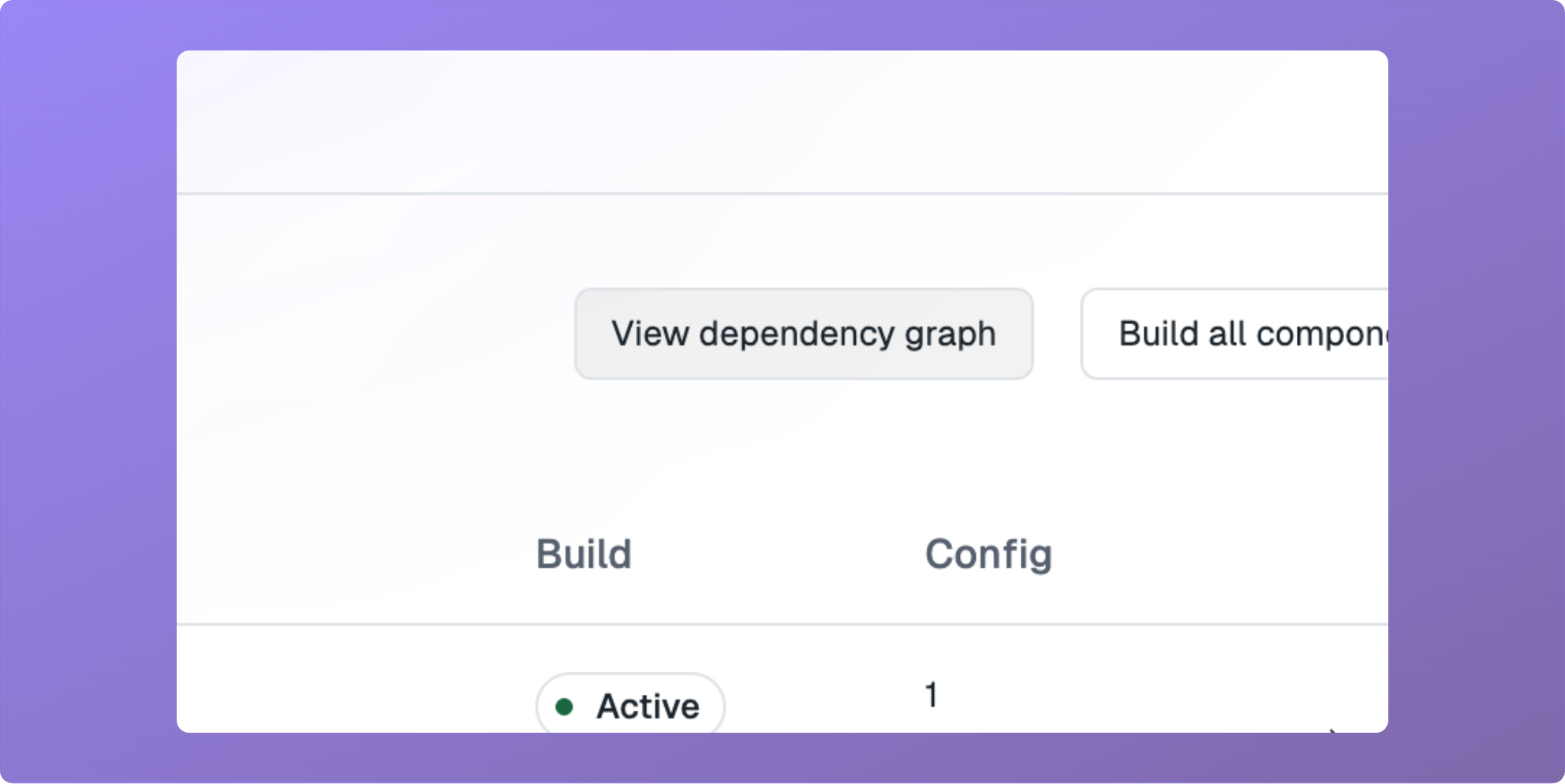
You can now view a graph of component dependencies for an app. On the
"Components" tab of any app, click the "View dependency graph" button.
 ## View Install State
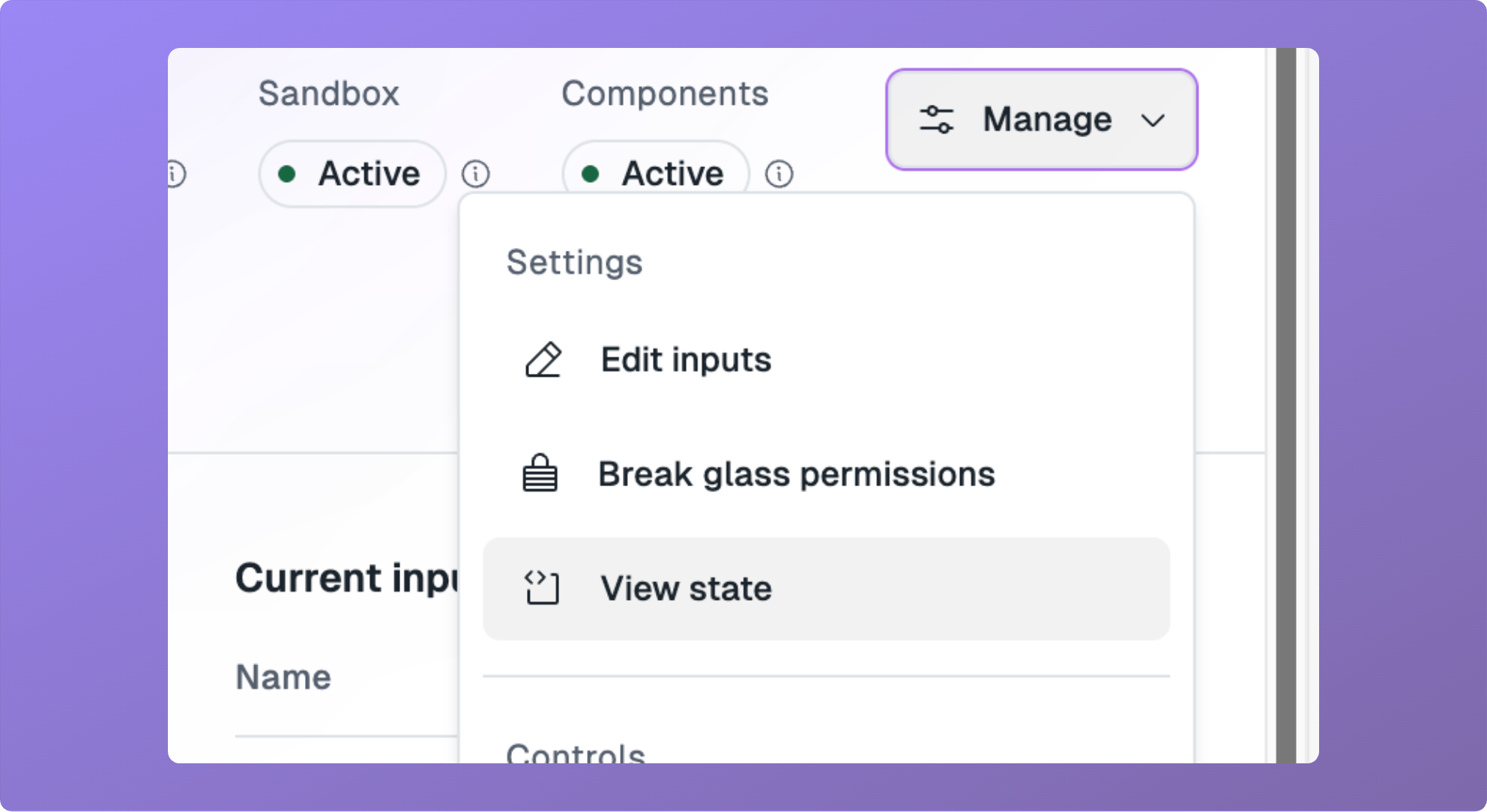
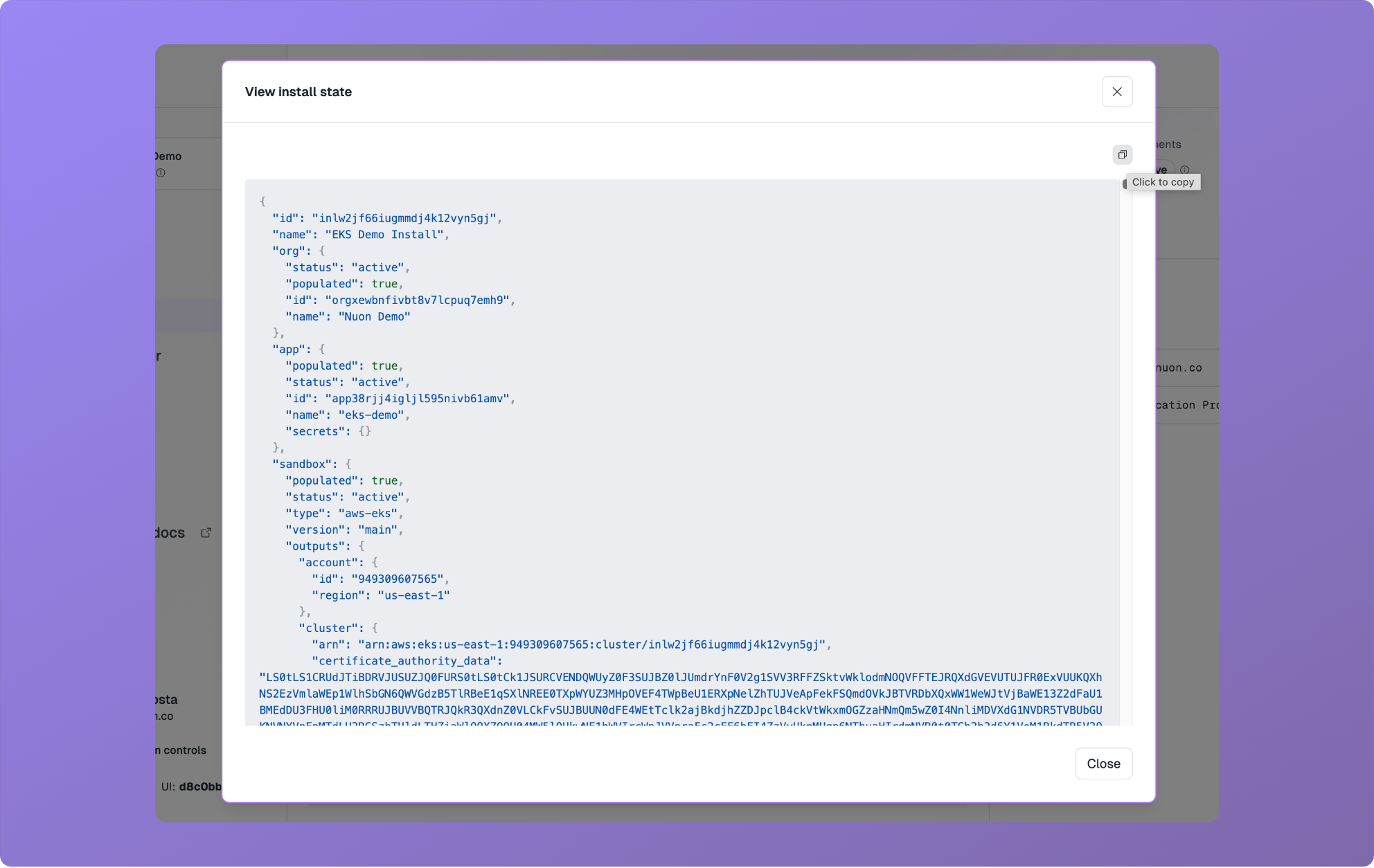
You can now view the complete state of an install in JSON format. On any
install, click the "View state" item in the "Manage" drop-down menu.
## View Install State
You can now view the complete state of an install in JSON format. On any
install, click the "View state" item in the "Manage" drop-down menu.
 ## Improved Step Viewer
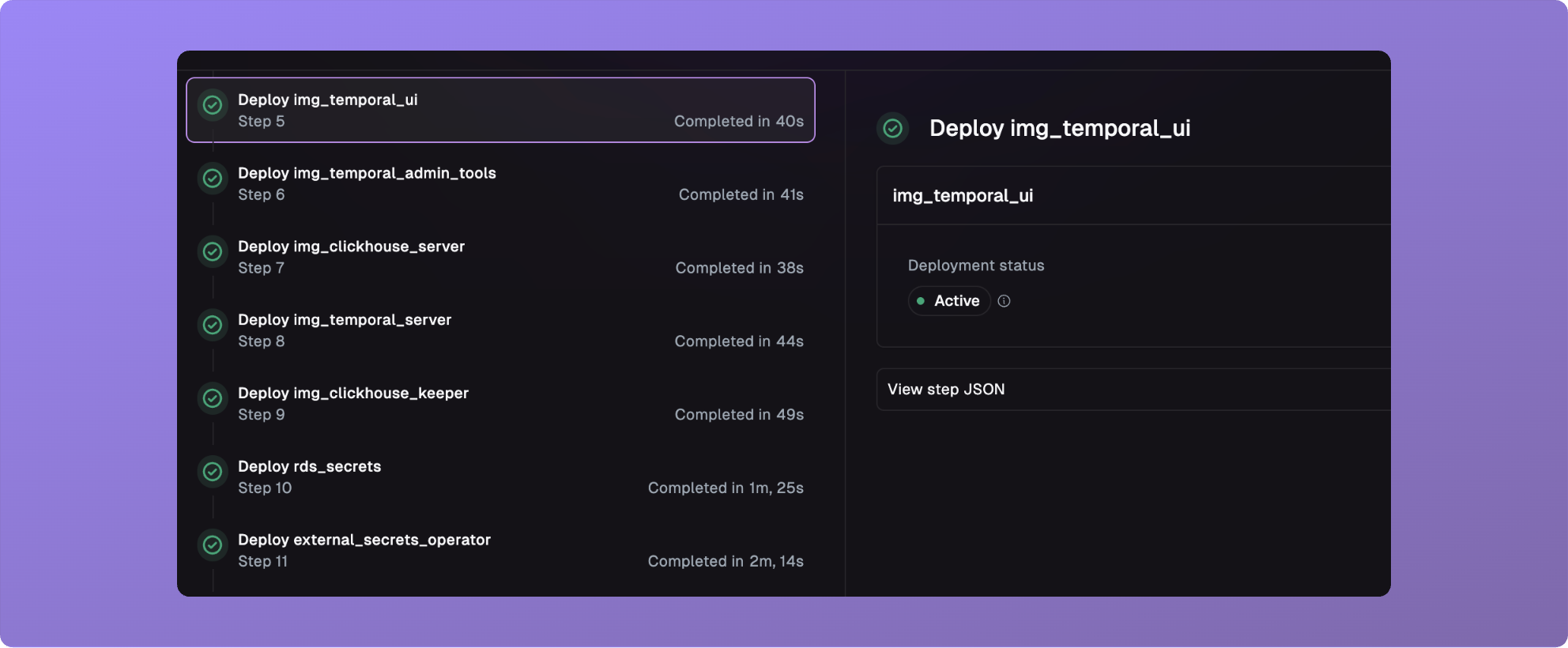
We have made improvements to the step viewer that make it easier to work with
and debug steps.
## Improved Step Viewer
We have made improvements to the step viewer that make it easier to work with
and debug steps.
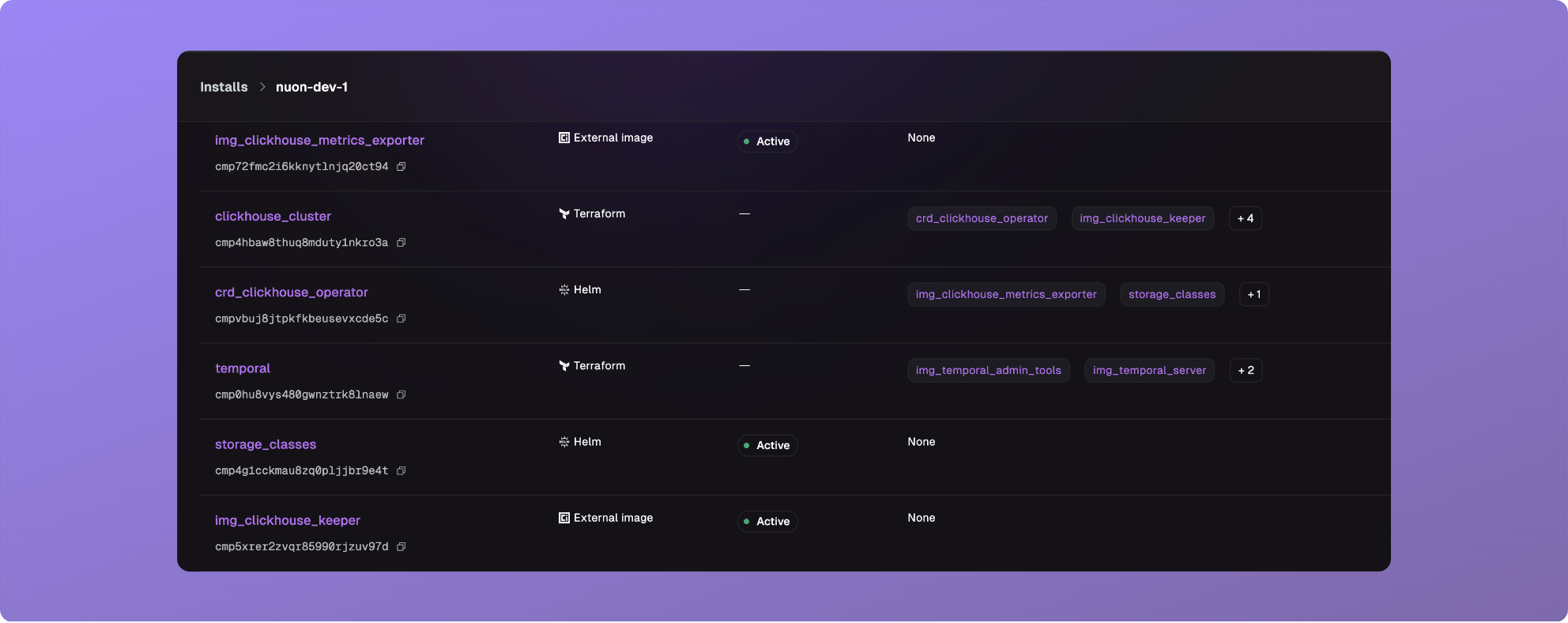
 ## Improved Components Page Performance
The install components page has been overhauled to load faster, and support
rendering more components.
## Improved Components Page Performance
The install components page has been overhauled to load faster, and support
rendering more components.
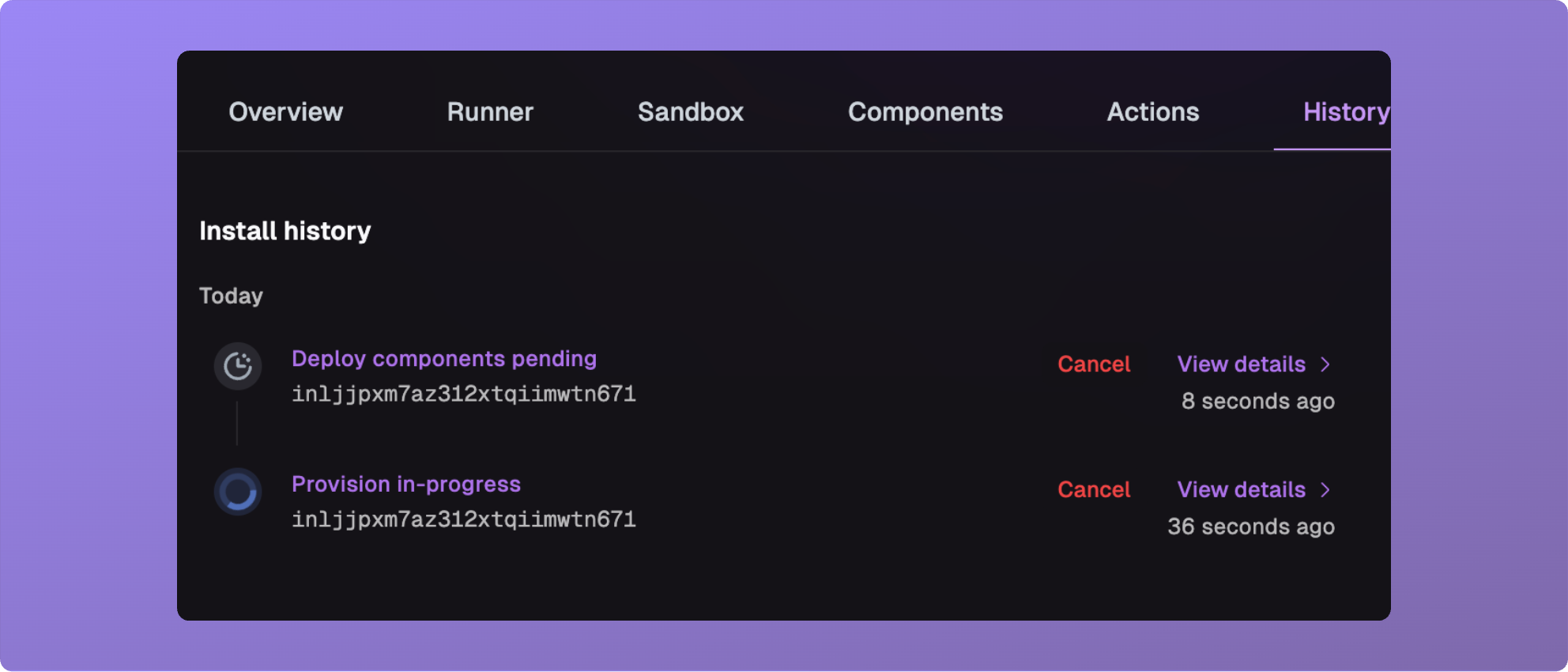
 ## Cancel Workflows From History Page
You can now cancel workflows from the history page.
## Cancel Workflows From History Page
You can now cancel workflows from the history page.
 ## Fixes
* Fixed a bug where cancelling a reprovision would leave a runner unable to
recover.
* Fixed a bug where inputs did not properly use their defaults.
* Fixed a bug where manual env-var overrides on an action run were not
respected.
* Fixed a bug where `current-inputs` would show all historical inputs.
* Fixed a bug where you could not update an input with an install name (needed
an install id), via the CLI.
* Fixed a bug where cancelling future workflows did not give the expected
behavior.
* Fixed a bug where cancelling an in-progress workflow left a deploy, sandbox
run or other in an in-progress status.
## Fixes
* Fixed a bug where cancelling a reprovision would leave a runner unable to
recover.
* Fixed a bug where inputs did not properly use their defaults.
* Fixed a bug where manual env-var overrides on an action run were not
respected.
* Fixed a bug where `current-inputs` would show all historical inputs.
* Fixed a bug where you could not update an input with an install name (needed
an install id), via the CLI.
* Fixed a bug where cancelling future workflows did not give the expected
behavior.
* Fixed a bug where cancelling an in-progress workflow left a deploy, sandbox
run or other in an in-progress status.